
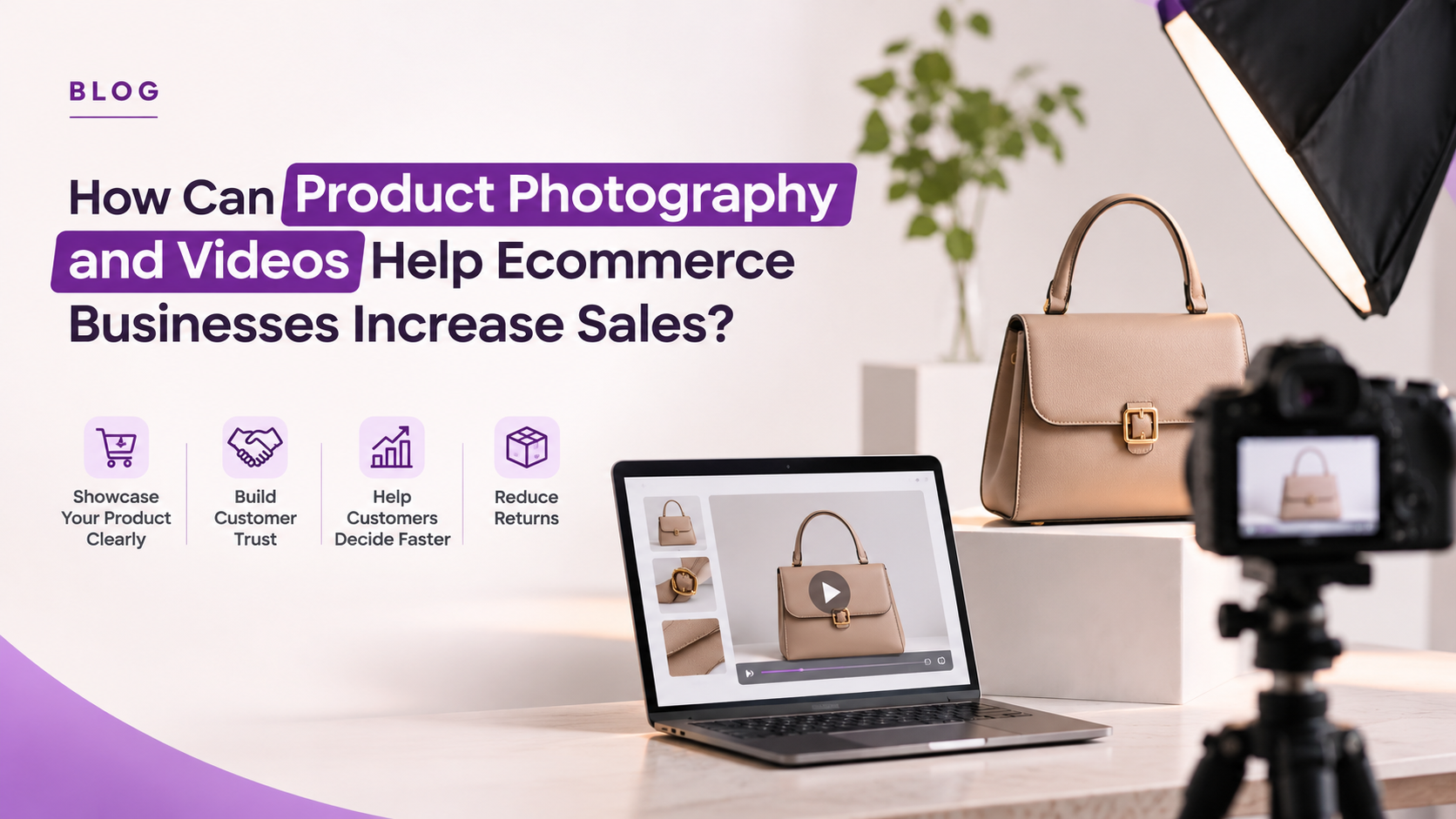
How Can Product Photography and Videos Help Ecommerce Businesses Increase Sales?
The first step to a great online shopping experience is offering a visual that will intrigue a customer and assist them to grasp the product. That’s why product photography and videos for ecommerce are a crucial aspect of any successful ecommerce business. Whether the product images are clear or whether the lifestyle shots convey a great message, demonstration videos or 360-degree views both help customers get a better idea of what they are buying. They showcase products, establish trust and facilitate consumer decision-making about products. In this blog, we’ll discuss the benefits of using the correct product photos and videos to enhance product pages, boost sales, minimize returns, and make customer shopping online more enjoyable.
Key Takeaways
- Product photos and videos help customers understand what they’re buying when they cannot see the product in person.
- Multiple angles, close-up shots, and lifestyle images help answer questions about product details, size, colour, and appearance.
- Product videos demonstrate how an item works and can make complicated products easier to understand.
- Accurate product visuals help set the right expectations and may reduce returns caused by products not matching their online descriptions.
- Optimized image file names, alt text, and compressed files can support image SEO and improve page loading speed.
- Consistent product photography gives your ecommerce store a more professional and recognizable look.
Why Do Product Photos and Videos Matter in Online Shopping?
When people go to an online store, some of the first things that they’re going to notice are the product pictures and videos. They view these images prior to ordering to get insight on the product, examine its features, and decide if the product is worth purchasing. This is made easier with good visuals, which will display the product from varied angles and provide customers with a clear concept of what they will actually be receiving.
Just imagine: if you have a good product and the pictures are not good, people will lose interest. Customers can get confused when there is not enough information in the image, it is blurry, or there is poor lighting. However, if your product photos are crisp, well lit, and lifelike, your retail store appears more professional and presents customers with a reason to believe in your brand.
A few benefits of quality photos and videos for your online business are listed below:
- Make the customer understand the product: Images and videos of the product with clear images that are perfectly aligned with the customer’s purchase intent reveal colour, design, features and smaller details that the customer is interested in seeing before making the purchase
- Establish trust: If the images are professional and depict the product in a realistic manner, customers will feel more confident when purchasing from your store.
- Increase ease of decision-making: By presenting various angles, close-ups and product demos, common questions and doubts can be addressed.
- Enhance your shopping experience: The customer will be able to see the product correctly on your website without having to contact you to see every little detail.
- Prevents confusion post-delivery: If the pictures show the same product as what they are ordering, customers will know what to expect once it arrives.
Suppose you have a handbag business that you’re selling online, for instance. The front picture might look nice, but it is likely that customers will want to see more before purchasing it. May wish to inspect the inside pockets, straps, zippers, stitching and fabric. All of this information are conveyed in several images and videos, giving customers a much better impression of the handbag, and they are able to make a more confident choice.
How Do High-Quality Product Photos Build Trust and First Impressions?
Imagine you went out and purchased something online. Was the order placed based upon only one picture? Probably not. You’ve likely seen a few more photos, zoomed in on them to see the details, or compared the product with what you see people using it for. The same thing is done by your customers. Therefore, it is prudent to have about 5-8 images per product. It of course depends on the product being sold. There doesn’t have to be quite as many images on a water bottle as on a handbag, a dress, or an electronic gadget. Just ensure that the product is visible to customers before making a decision.
If you have a product you are uploading to your website, for example, then consider adding these images:
- Front View: This is the main product photo; it should be displayed first. Be sure to keep it neat and tidy so customers can tell what they are buying.
- Back view: Rotate the product and present the back. The little things can be the things that a customer is looking to see.
- Side view: This allows individuals to get a good sense of the form, dimensions, and overall appearance.
- Close-ups: Avoid missing the small details! Show fabric and stitching if it’s a dress. For bags, demonstrate the zipper, handles and finishing.
- Resize and proportion images: The size and scale of a product may appear larger or smaller in a photograph than in reality. Place it near someone or something familiar to customers to help them visualize its size.
- Lifestyle images: Display the product in use in real-life situations. If you’re selling a chair, for instance, have a photo of it in a well-set-up room instead of a product shot.
- Multiple designs or colours: If the product is offered in a variety of colours or styles, upload multiple images so customers can see what it will look like.
In addition, allow customers to magnify the images. It’s a small feature, but it can be quite useful. A person purchasing a piece of jewellery may wish to examine its finishing, whilst a person shopping for clothes might want to examine the fabric. That option will make the shopping process easier for them.
Lifestyle vs White Background Product Photos for Online Store: Which Sells Better?
If you own an online business, you’ll find that not all the products will photograph the same way. There are those things that are more appealing when set against a plain white background, and there are some that require a little more context to show. For instance, when the person is purchasing a pair of shoes, they may want to see the design clearly. However, if they’re purchasing a sofa, they would probably want to check out what it looks like in a real living room. These are the two types of photography that come in handy in that scenario. You can pretty easily use white background photos. You put the product on a simple white backdrop and photograph it so that it is visible. Not much is going on around the product, so all the attention is focused on the product you are selling. That is the reason why this style is utilized for a lot of Amazon and Flipkart product listings. It comes in handy for products such as skincare, jewellery, shoes, and electronics where customers like to check out the product design, colour, and finishing before they make a purchase.
Lifestyle photographs are more about displaying the product in a situation in which they would use it. Let’s say you’re selling a handbag. You don’t have to just display it on a clear background; there’s also an option to put a picture of a person with an outfit carrying it. If you’re in the business of selling furniture, display a sofa in a living room. If you’re talking about skin care, you could present someone with skin care being applied to them. These images provide a clearer view to customers on how to use the product in daily life. Such a transformation also makes it easier for people to visualize having or using it themselves. You may be wondering what kind of photography you should be doing for your store. There’s really no reason why you can’t have more than one. Show all the key aspects of the product in a simple product shot and include a few lifestyle images to help the customer envision the product in use. A combination of both is more beneficial for the majority of online retailers and provides shoppers with a lot more to see prior to making a purchase.
How Do Product Videos Increase Ecommerce Conversions?
Product Video Formats Ecommerce Businesses Can Use
| Video Type | What to Show | Best For |
| Product Demonstration Videos | Show how the product works and highlight its main features | Electronics, kitchen appliances, beauty products and gadgets |
| Unboxing Videos | Show the packaging, what’s included in the box, and how the product is presented. | Gadgets, beauty products, accessories and D2C products |
| How-to-use Videos | Explain how to use, install, assemble or maintain the product | Home appliances, electronics, furniture and beauty products |
| Short Reels-style Videos | Show product highlights, different angles, styling ideas and everyday uses in a short clip. | Fashion, lifestyle, beauty and D2C brands |
| Before-and-after Videos | Show the difference before and after using the product | Beauty, cleaning and home improvement products |
Product Video Ideas for D2C Brand Instagram Reels
| Reel Idea | What You Can Show | Example |
| Product Showcase Reel | Show the product from different angles and highlight its important features. | A skincare brand showcasing the packaging, texture and benefits of a serum |
| Unboxing Reel | Record the process of opening the package and showing everything included in the order. | Unboxing a newly launched handbag or beauty product |
| How-to-use Reel | Demonstrate how the product can be used in everyday life. | Showing how to apply a face serum as part of a skincare routine. |
| Three Ways to Style a Product | Show different ways customers can wear or use the same product | A clothing brand styling one vest in three different ways |
| Behind-the-scenes Reel | Give people a look at your photoshoot, packaging, manufacturing or team activities | Showing how a new product is packed before dispatch |
| Customer Experience Reel | Share genuine customer reviews, feedback or user-generated videos with permission. | A customer sharing their experience after using a product. |
| Problem-and-Solution Reel | Start with a common problem and show how your product can help | Demonstrating how an organiser helps keep a messy desk neat |
| Product Comparison Reel | Compare two product options and explain their differences | Showing the difference between two skincare products or product variants |
Product Video vs Product Images: Which Converts Better?
People normally like to see all that they can before ordering something online. Some like to compare all the product photos; some like to watch a video to better understand the product that they’re buying. Both methods communicate to customers about a product but in different ways.
Product pictures will be beneficial if somebody desires to see more in-depth details of an item. They can observe its colour, design, material, shape and even the finer details by zooming in. If a customer is viewing a handbag, they may go through the images to test the zip fasteners, handles, stitching and inner pockets. It’s easy, fast and doesn’t require much time.
Videos can be useful if there are not enough pictures to explain the information. They allow a customer to see how a product works, its appearance in use or the operation of some features. For instance, consider a pair of shoes. Photos can feature the design, sole and material, but if they include a short video of a person who is wearing the shoes and walking around, the customer will have a clearer picture of what they look like in real life.
So, what should ecommerce businesses use?
Don’t decide between the two, but rather find a place for both of them on your product pages. Upload well-lit images that sell the product, and if applicable, include a short video. Not all customers will watch the video, and not all customers will view all of the pictures. However, if both are available, then people can browse the product in the way they want to. This provides them with more data to help them make a purchasing decision, without having to imagine what the product is like.
360 Degree Product View for Ecommerce Website: What Is It and Does It Increase Sales?
Customers can order products online, and they want to know more than just the front and back of the product. This is particularly the case for items in which the design, form and finish play a part in the decision to purchase. This can be achieved by using a 360 degree product view that gives customers the ability to rotate a product on the screen and view it from different angles.
If you’re selling a watch, for instance, a couple of standard product shots may include the dial and strap, but it’s possible that your customers would want to see the side profile, buckle, and back. They can rotate the watch to any position and view these details without the need for multiple separate images, with a 360-degree view. This also applies to furniture, footwear, jewellery and electronics, where the images needed are more than just one shot that would clarify the overall design.
For ecommerce companies, this can be a cool addition to make product pages more useful as customers can get a clearer picture of what they’re looking to purchase. It also allows them to view information that may not be included in product images.
But for some products, a 360-degree view is not a must. It makes more sense for products that have interesting designs, several details that are visible, or features that customers may want to see prior to ordering them. The objective here is straightforward: to provide the shoppers with a better understanding of the product and thus enable them to make a more informed choice.
Product Photography for Amazon and Flipkart Listings: Why Does Consistency Matter?
You need to upload a lot more than a few images of your products for selling them through marketplaces like Flipkart and Amazon. When customers are searching to buy a product, they are likely to view multiple listings that are similar to yours, so your images must show the product clearly and professionally. Regular photos also make your brand look the same on your website and on other marketplaces.
A few things to consider when creating product photos for marketplaces:
- Abide by marketplace guidelines for images: Make sure you adhere to the latest marketplace guidelines for principal images, backgrounds, dimensions and extra product images.
- Use clear main images: Ensure that the product is clearly visible without any other distractions.
- Display an assortment of angles: Where appropriate, show front, back, side and close-up photos of the object.
- List product features, dimensions, materials and important product benefits creatively: Where marketplace rules permit, use extra listing images to explain features, dimensions, materials and important benefits.
- Lifestyle photos: Use more photos of the product in real-life environments.
- Ensure product consistency: Ensure that all products in your product catalogue are the same in terms of lighting, editing and clarity.
For instance, if you have a skin care product for sale on Amazon or Flipkart, you can showcase the product packaging in a distinct manner in the main image. Other pictures may emphasize ingredients, product texture, how the product is used, and packaging information, as long as the claims are accurate and up to the standards of the marketplace.
The purpose of this is to educate a visitor to your page about the product before ordering it, while maintaining the attractiveness of your page and making it easy for the visitor to navigate.
How Product Photography Reduces Returns in Ecommerce
The mismatched product that a customer receives when they make their purchase online is just one of the common items that customers return. This can occur if the colour of the product is different, the size is not well represented or if key information is not discernible in the images.
This is where proper product photography is crucial. If the pictures accurately depict the actual product, you’ll be able to get your customers to make better purchasing decisions and you won’t end up with a lot of customers who are disappointed when their order arrives.
Here are some ways to ensure that the images of your product are more accurate:
- Display the true colors:Never alter pictures to alter the original product color.
- Provide the proper size: Add size charts, measurements and scale references as required.
- Close-up of material and texture: Present close-up photos of fabric surface and texture, and other details.
- Add various angles: Allow customers to view the product from the front, back, sides and other relevant views.
- Demonstrate use in real life: Display lifestyle photographs to better communicate with customers about how the product is used.
For instance, when selling a bedsheet, the actual colour, texture and design of the fabric should be visible to the customers as well as the size. If these details are not evident, then there may be a perception that the product is not what they saw online.
The idea is not to edit everything to make them look flawless. To demonstrate the products to customers. Avoiding returns due to discrepancies between product images and the actual product is made easier when there is accurate visual information to set realistic expectations.
Where to Place Photos and Videos on the Product Page
Beyond having great photos and videos of products, where the photos and videos are placed is important. The key graphics and visuals should be easy for users to discover without having to scroll through the page or search through content that doesn’t relate to their needs. An organized product page allows customers to grasp the product and proceed towards checkout.
This is a helpful format for organizing your product photos:
- Clear product photo: Use your best photo of the product as the main image. This should display it correctly and will help your customers understand what you are selling.
- Other product angles: Front, back, side, and close-up shots to allow customers to see the major product details.
- Lifestyle photos: Display the product in use, or as it is displayed, in a real environment.
- Product video: Embed a demonstration or use video in the product gallery or near the heart of the product information, so that customers can easily locate it.
- Describe the features, materials, specifications, benefits and more, along with the pictures.
- Customer reviews: Add authentic customer reviews and, if available, photos or videos from the customer.
- Easy access CTA: The Add to Cart or Buy Now button must not be hidden, making it easy for customers to take the next step in the journey after learning about the product.
Avoid wandering off; make an effort to keep track of logical flow. Before customers can buy a product, they must first understand it, investigate the features and then locate the information they require.
How to Optimize Product Images for SEO: Alt Text and File Name
Product photography doesn’t only improve the shopping experience. When optimized properly, your images and videos can also support your ecommerce website’s SEO and help people discover your products through search engines.
However, uploading high-quality images isn’t enough. You also need to make sure search engines can understand them and that they don’t slow down your website.
Here are some important image and video SEO practices:
- Use descriptive image file names: Instead of uploading images with names such as IMG_1234.jpg, use meaningful names like black-leather-handbag.jpg. This gives search engines useful context about the image.
- Add relevant alt text: Describe what’s visible in the image. For example, use “Brown leather handbag with adjustable shoulder strap” instead of stuffing the alt text with multiple keywords.
- Compress image files: Reduce unnecessary file size while maintaining good visual quality. This helps product pages load faster.
- Use suitable image formats: Consider modern formats such as WebP or AVIF where supported, while ensuring your website displays images correctly across browsers.
- Make images mobile-friendly: Use responsive images so customers can view product photographs properly on different screen sizes.
- Create an image sitemap: Help Google discover important product images that may not otherwise be easy to find.
- Optimize product videos: Use relevant titles, descriptions, and video transcripts where appropriate. Embed videos in a way that doesn’t unnecessarily slow down the product page.
Why does page speed matter?
Large image and video files can make product pages slower to load. If customers have to wait too long for images to appear, they may leave the page before exploring the product. Compressing files and using suitable formats can help improve loading performance and provide a smoother shopping experience.
SEO optimization should support both search engine understanding and the actual customer experience. Avoid adding keywords unnecessarily to image names or alt text.
Frequently Asked Questions About Product Photography and Videos
Does product photography really increase ecommerce sales?
Yes, good product photography can help ecommerce businesses improve the shopping experience and encourage customers to make purchases. Clear images show important product details, build trust, and reduce uncertainty. When customers understand what they’re buying, they can make more confident decisions instead of leaving the product page with unanswered questions.
Are product videos worth it for small ecommerce businesses?
Yes, product videos can be useful even for small ecommerce businesses. You don’t need expensive production equipment to get started. A simple video showing how a product works, its features, or how to use it can help answer customer questions. Start with your most popular products and create videos that provide useful information.
How many product images do I need per listing?
For most ecommerce products, 5–8 good-quality images are a useful starting point. Include front, back, side, close-up, lifestyle, and scale images wherever relevant. The number can vary depending on the product category. Focus on showing different details rather than uploading multiple photographs that look almost identical.
Should I use a white background or lifestyle images?
Both are useful, and the best choice depends on the product. White background images help customers focus on the product’s design, colour, and features, while lifestyle photographs show how it looks in a real-life setting. Using both gives customers a clearer understanding of the product and how they might use it.
How do product images affect SEO?
Product images can support SEO when they’re properly optimized. Use descriptive file names, relevant alt text, suitable image formats, and compressed files to help search engines understand your images and improve page performance. You can also use image sitemaps to help Google discover important images. These practices support image discoverability and accessibility.
Conclusion
Product photography and videos for ecommerce do more than make an online store look attractive. They help customers understand products, build trust, and make better buying decisions. Focus on clear and accurate images, useful product videos, and consistent presentation across your catalogue. Also, optimize your visuals for SEO and website speed. If you want professional product photography and video content for your business, explore Bombay Digital’s content production and photography services to improve how your products are presented online.

Leave a Reply